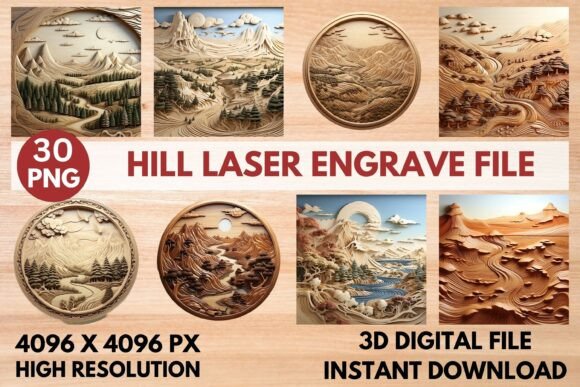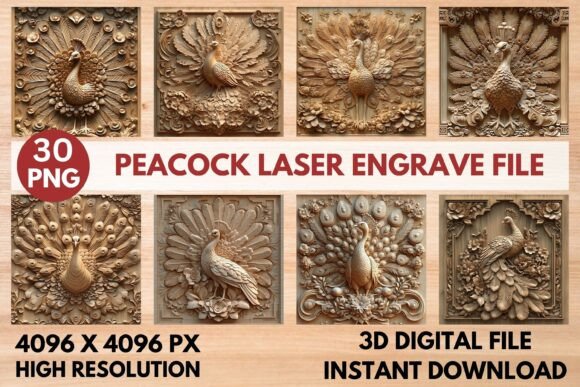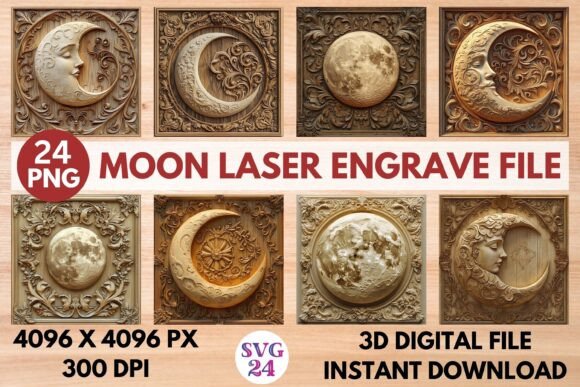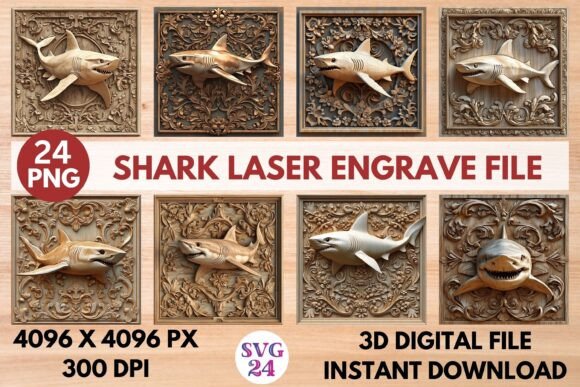
Grasshopper Laser Engrave File: Stunning 3D PNG for Projects
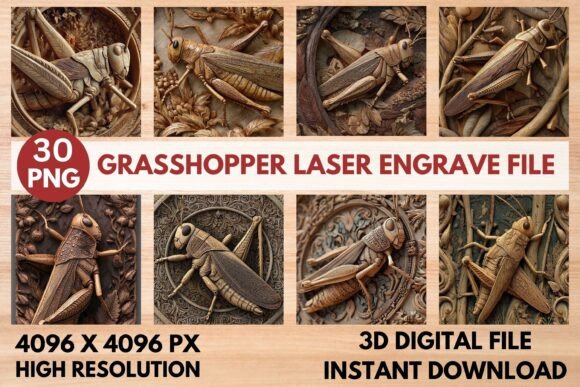
Unlock a new level of detail and dimension in your laser projects with the Grasshopper Laser Engrave File. This isn't just another clipart; it's a meticulously crafted, high-quality 3D PNG set designed to bring your creations to life with professional, intricate results. Whether you're a seasoned maker or just starting with your laser cutter, this file provides a stunning visual asset that works beautifully across a variety of materials and applications.
Imagine adding a lifelike, textured grasshopper to a wooden sign, an acrylic ornament, or a leather journal cover. The depth and realism achieved with this optimized design are what set it apart. It’s crafted in grayscale and high resolution, specifically tuned for the demands of laser engraving, ensuring sharp lines and beautiful tonal variation with minimal fuss. This makes it an excellent choice for creators seeking polished output without spending hours on file adjustments.
Where This Design Shines
The versatility of this Grasshopper design is one of its greatest strengths. It’s a premium design asset ready to elevate countless projects. Consider these practical use cases:
- Home Décor & Wall Art: Create striking wall signs, plaques, or layered art pieces with a nature-inspired theme.
- Personalized Gifts & Ornaments: Engrave unique ornaments, keychains, or jewelry for a one-of-a-kind touch.
- Stationery & Packaging: Add an elegant, detailed emblem to wedding invitations, gift boxes, or product packaging.
- Textiles & Fashion: Transfer the design onto leather patches for bags or jackets, or onto wood for fashion accessories.
- Tableware & Custom Products: Engrave onto coasters, cutting boards, or slate cheese boards for artisanal flair.
Its transparent background allows for seamless integration into any layout, making it a flexible component in your broader design toolkit. Think of it as a powerful visual element, much like a well-chosen typeface for a logo or a key graphic in a brand identity system.
Tips for Optimal Results
To get the most from this file, a few simple considerations can help. First, material choice plays a role; lighter woods like maple or birch often yield the most striking contrast, allowing the engraved details to pop. For your laser settings, the file comes with recommended starting points for popular machines like Glowforge and LightBurn. Using the grayscale PNG with a dithering filter (like Jarvis) is typically advised for achieving the best depth and accuracy.
While this is a PNG set and not an editable vector font, its high resolution (4096x4096) means it can be scaled to fit your project needs. This is similar to choosing a scalable display font for a poster; you want a source file that holds its quality at size. Always perform a small test engrave on your specific material to dial in the perfect power and speed settings for your machine.
Choosing the right visual assets is crucial for creating a cohesive and professional look, whether for a personal project or a commercial product line. The Grasshopper Laser Engrave File offers that rare combination of artistic detail and technical optimization, helping you produce work that feels both unique and expertly crafted. It’s a valuable addition to any maker’s library of design resources.