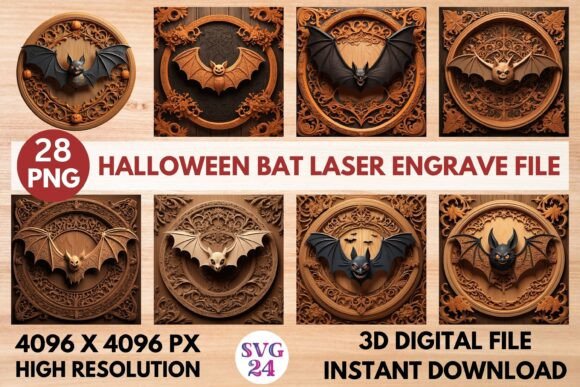
Halloween Bat Laser Engrave File: Premium 3D Grayscale PNG
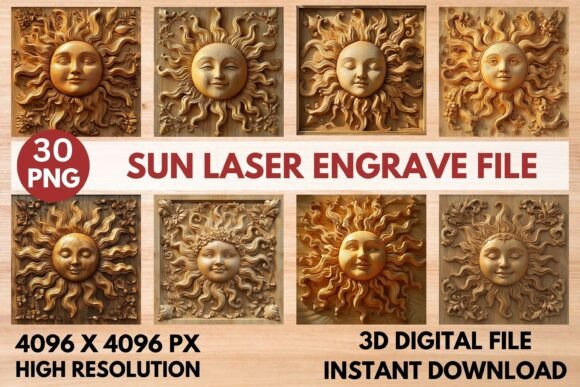
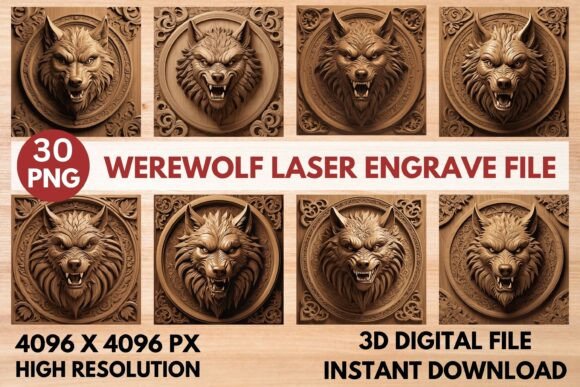
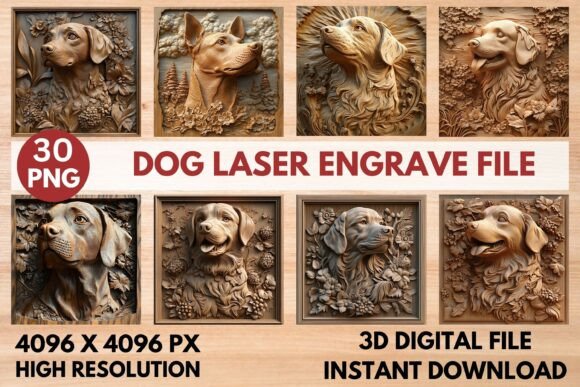
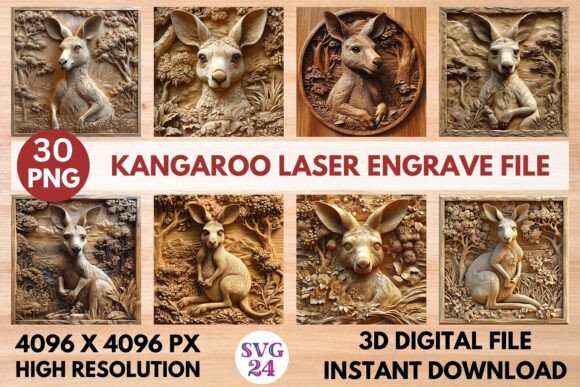
Unleash your creativity this spooky season with a design asset built for precision and impact. This Halloween Bat Laser Engrave File is a versatile digital resource, offering a stunning 3D grayscale PNG specifically optimized for laser engraving machines. It’s the perfect tool to transform ordinary materials into extraordinary Halloween-themed projects, from intricate wood crafts to personalized home decor and beyond.
What Makes This Laser Engrave File Special?
Unlike a standard font download or simple graphic, this file is engineered for a specific, high-detail application. The premium grayscale PNG is designed to work seamlessly with laser engravers, translating subtle tonal variations into beautiful depth and texture. This creates a stunning 3D effect on materials like wood, leather, and acrylic. The result is a professional, ultra-sharp engraving that elevates your brand identity or personal projects with a unique, tactile quality.
Creative Use Cases for Your Projects
The applications for this design asset are nearly endless, fitting into a wide range of creative workflows. Consider these practical ideas:
- Custom Decor & Crafts: Create standout Halloween decorations, engraved wooden signs, or personalized tableware.
- Unique Merchandise: Design and produce limited-edition gifts, party favors, or spooky-themed stationery that customers will love.
- Packaging & Branding: Add a high-end, textured element to product packaging for seasonal promotions or a brand identity that values craftsmanship.
- Digital & Editorial Design: The high-resolution file can also be used in poster design, social media graphics, or editorial layouts to add a dramatic, textured visual element.
Think of it as a key piece of your creative font and asset toolkit, enabling you to produce physical goods and digital visuals that have a distinct, professional edge. It’s ideal for hobbyists using a Glowforge or xTool, as well as professionals with CO2 laser cutters.
Tips for Choosing and Using Your Design Asset
To get the most out of this file, a few considerations are key. First, always test your settings on a scrap piece of your chosen material. The recommended Glowforge settings (Speed: 1000, Power: 90, Grayscale mode) provide an excellent starting point, especially on lighter woods where the contrast shines. For LightBurn users, applying the Jarvis dithering filter to the grayscale PNG can yield optimal detail.
While this isn't a traditional typeface for text, its visual weight and style are crucial. Ensure the bat motif complements the overall mood of your project. For packaging design or a poster, it pairs well with clean sans serif fonts or elegant script fonts to create hierarchy and interest. Always check that the included license covers your intended commercial use if you plan to sell finished products.
The right visual asset does more than just decorate; it communicates quality and intention. A well-executed laser engraving adds a layer of sophistication and permanence that digital prints alone cannot match. It strengthens visual consistency across a product line and makes your work instantly more memorable. By choosing a high-quality, optimized file like this one, you’re investing in a tool that helps your designs look polished, professional, and uniquely crafted.